#1 Product of the Day

A Personal Context Library.

Save notes, bookmarks, screenshots, and PDFs in one local library. Find anything, then hand that context to AI.
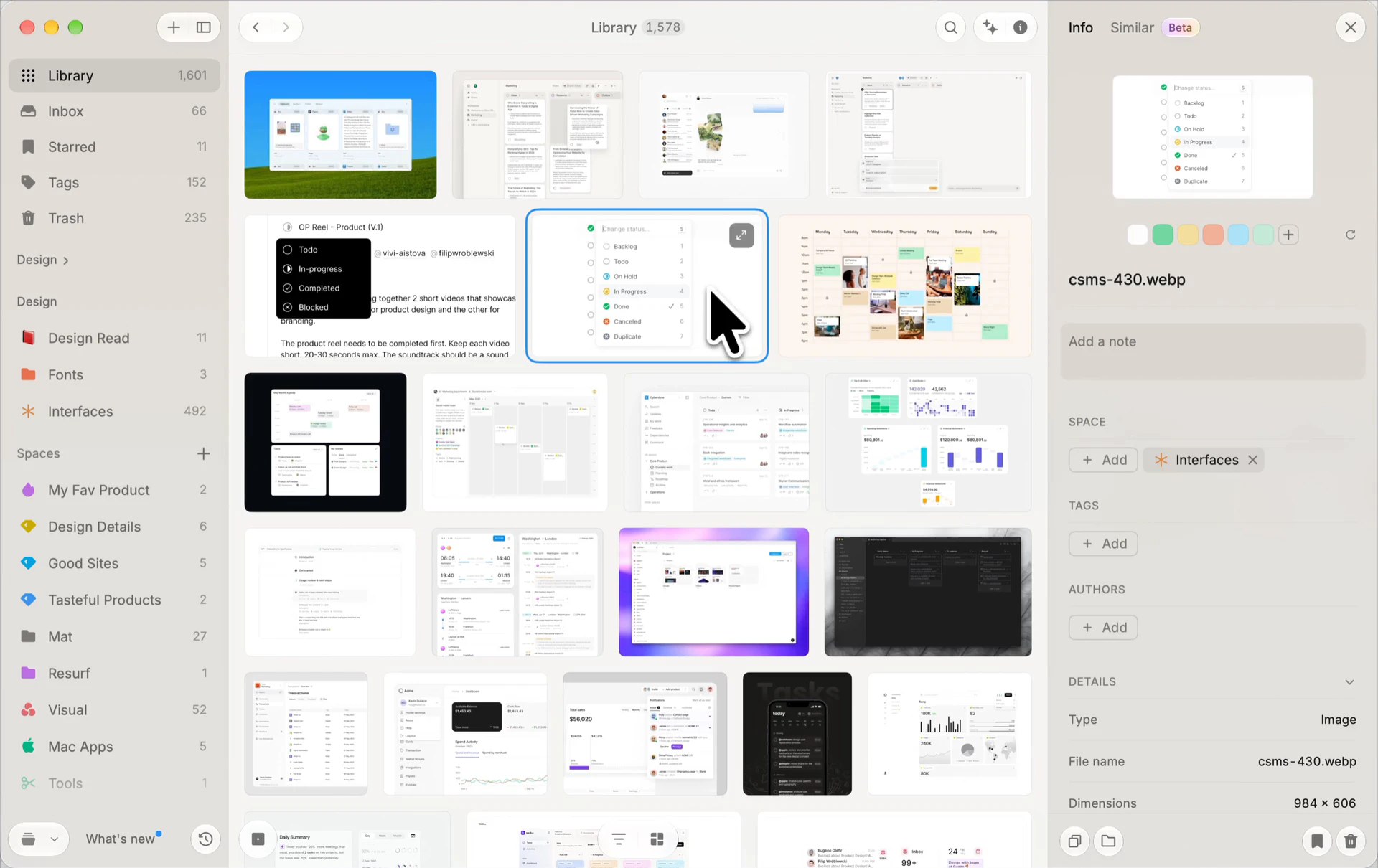
Resurf’s library with a saved interface image selected and its image details in the right inspector
Library Select an image and discover similar references across your library.

Save, organize, and search
your notes, bookmarks, and files.

A personal context library for research, visual inspiration, and everyday ideas. Fully local and private by default.

Quick Capture

Save notes, links, and screenshots with a global shortcut on Mac.

Inbox First

Save now, organize later.

Spaces & Tags

Organize bookmarks, notes, and files by project, research topic, or idea.

Visual bookmark library

Browse saved bookmarks, images, and screenshots together in a visual library.

From Any App

Capture from Mac, Chrome, and iPhone into one library.

Search your saved content

Search notes, saved articles, PDF text, and words inside screenshots with local full-text search.

Voice Memos

Record thoughts before they disappear.

Highlight & Annotate

Highlight articles and annotate PDFs. Keep your notes beside the source.

AI Summaries

Opt-in

Revisit articles, links, and PDFs faster.

Bring Your Own AI

Opt-in

Use your own AI key, or hand off saved context to AI agents through MCP or the CLI on Mac.

Ask Your Library

Opt-in

Ask questions across the context you saved.

Fully local

Keep your library on your devices. Browse and search offline, with optional private iCloud sync.

Five surfaces, one library.

A quick tour through capture, organize, view, write, and ask. The five places you'll actually spend your time in Resurf.
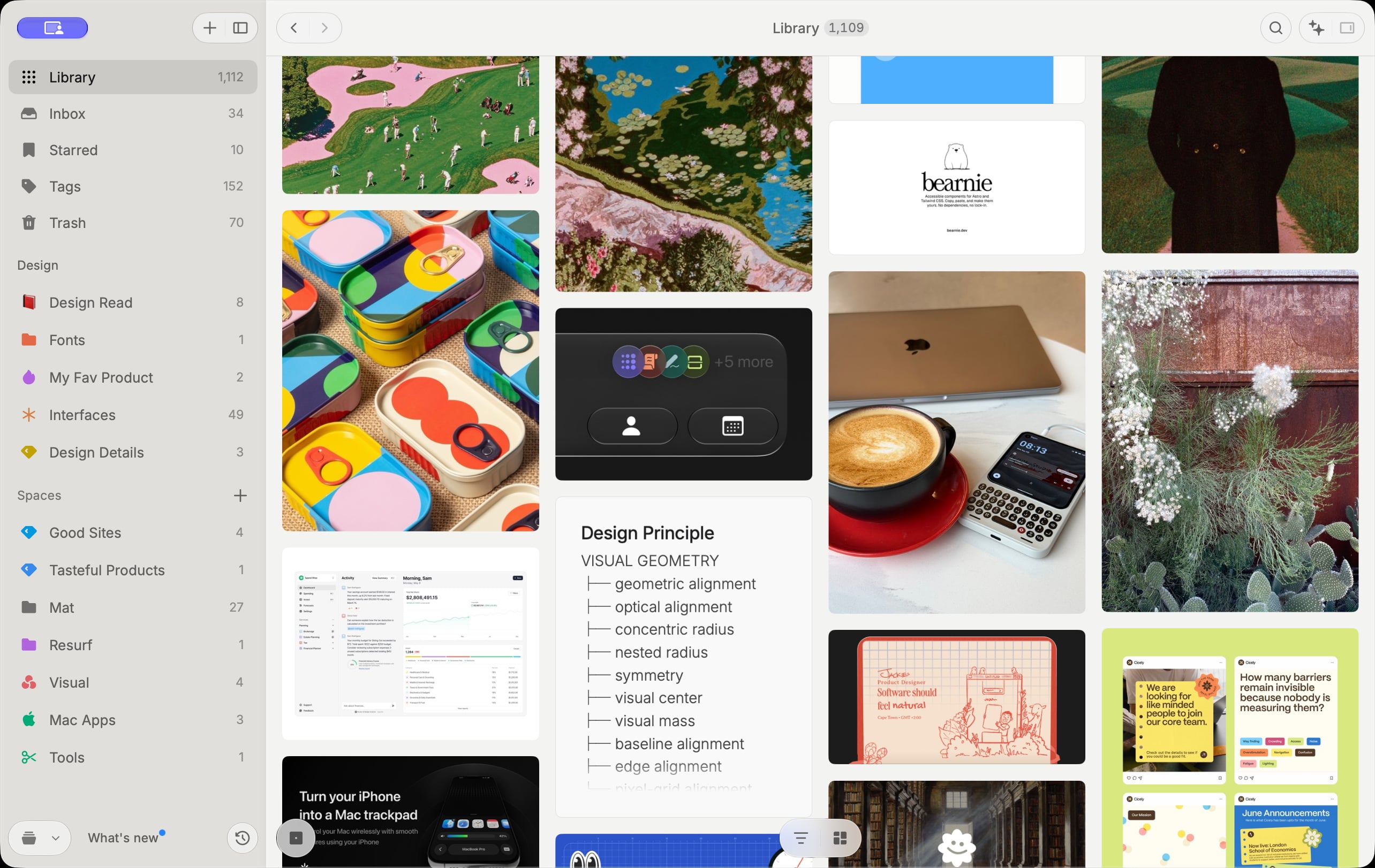
Resurf on Mac with a visual library of saved artwork, websites, and interface inspiration

Notes, links, PDFs, images, audio, and video. Every capture lives in one searchable place.

Articles, PDFs, images, audio, video, code, and more. Every format renders natively.

Articles
Images
Video
Tweets
GitHub
Articles
Images
Video
Tweets
GitHub
PDFs
Audio
YouTube
Code
Notes
PDFs
Audio
YouTube
Code
Notes

Your library on Mac, iPhone, and iPad.

Save links from the iPhone share sheet and browse your notes, bookmarks, and files on Mac or iPad. Your library lives on-device, with optional private sync through your own iCloud. No Resurf account required.

100% native SwiftFully localOptional iCloud sync
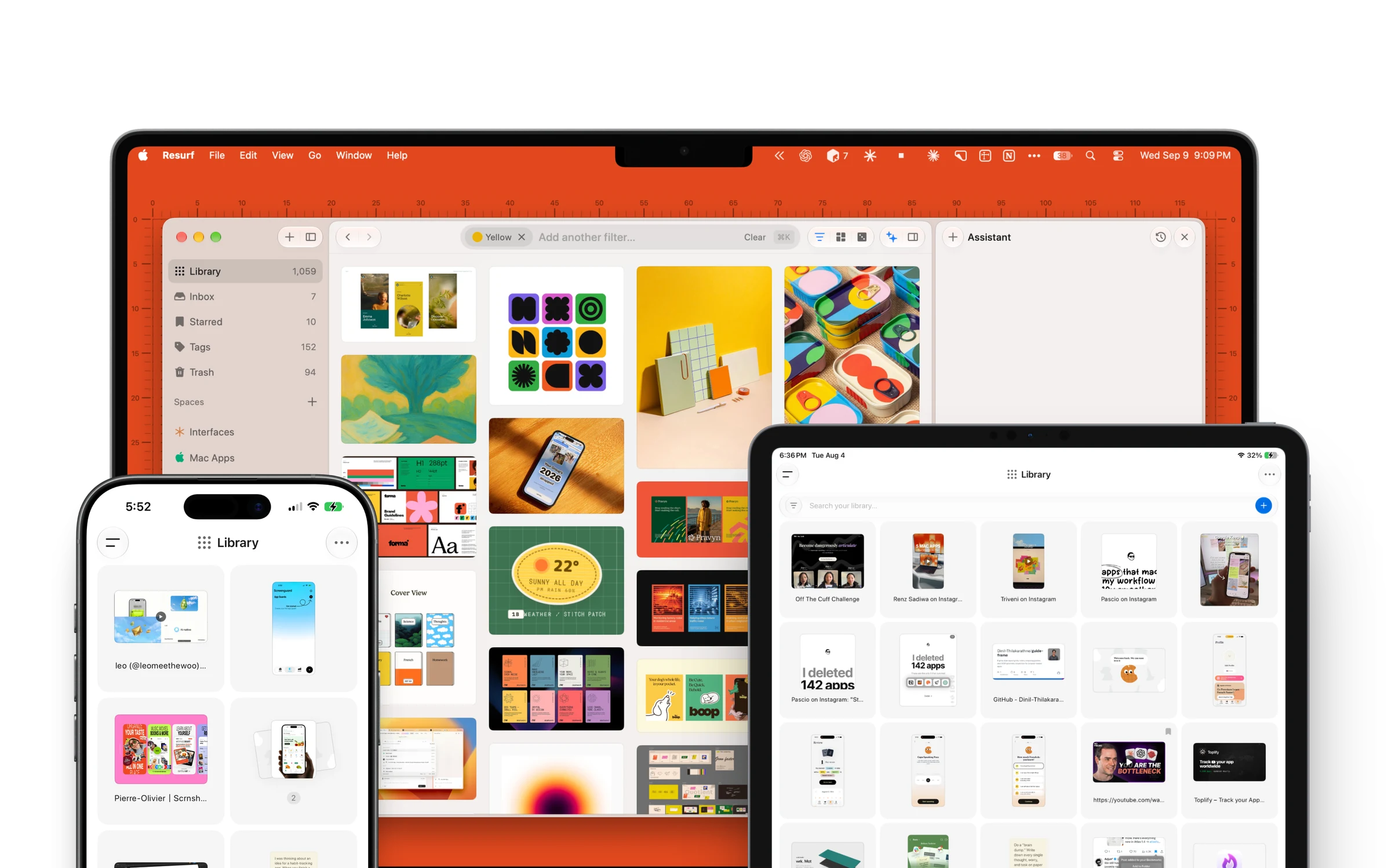
Resurf running natively on Mac, iPhone, and iPad with the same library

Start building your personal context library.

Download for Mac

Free to try · macOS 14.3+ (Apple Silicon & Intel) · Free on iPhone & iPad