Current facts, quotable copy and official artwork. Everything here is copyable.
Three lengths. All current.
Resurf is a personal library for Mac, iPhone, and iPad that gives people one place to save and organize notes, links, articles, PDFs, screenshots, images, voice notes, audio, video, and other files. The library stays on the user's Apple devices, works offline, and can sync privately through iCloud without a Resurf account. Resurf includes quick capture, flexible Spaces and tags, reading and annotation tools, full-library search, and optional AI features. The Mac app is free to try and available through a one-time purchase; the iPhone and iPad apps are free and unlimited. Learn more at https://resurf.so.
Open a row for the detail.
Prices in USD, current offer.
Mac
iPhone and iPad
The pricing page always carries the live offer and full license terms.
So a review never has to guess.
Editorial use. Please do not recolor or stretch the icon.

For press kits, reviews and distribution listings.

Icon without inset padding, for platform-specific placements.

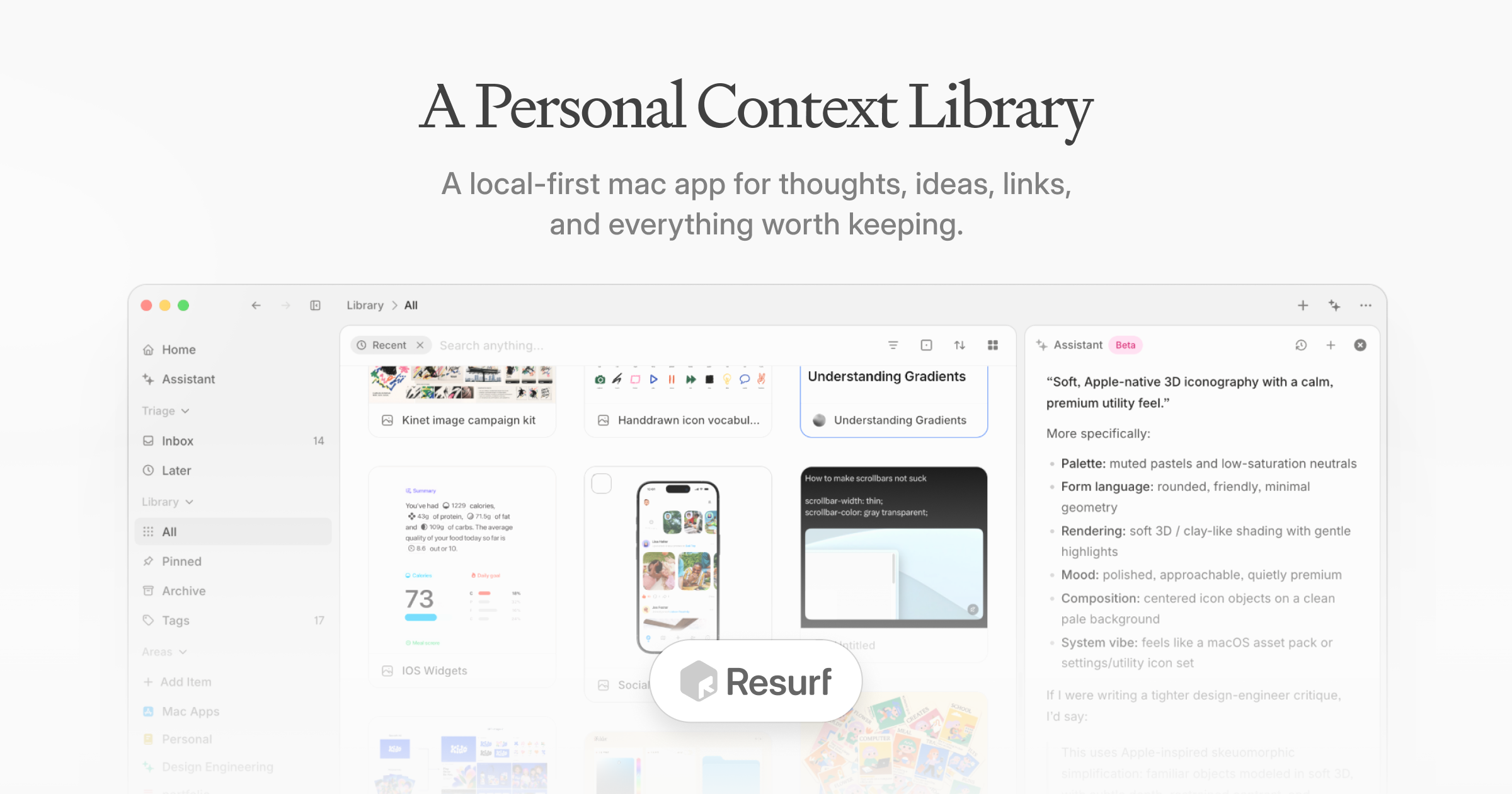
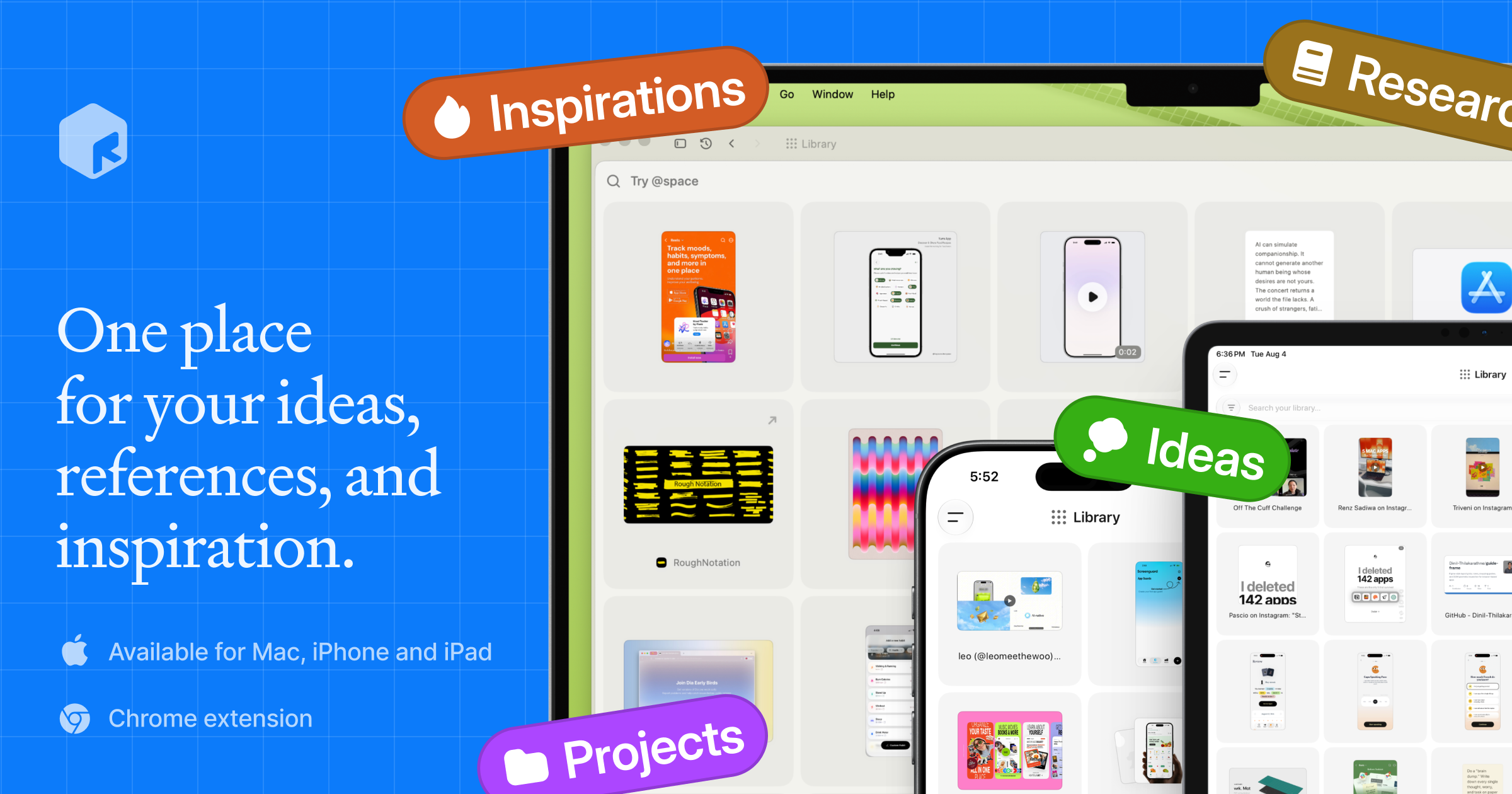
For launches, announcements and social previews.

Product devices, for articles and link previews.
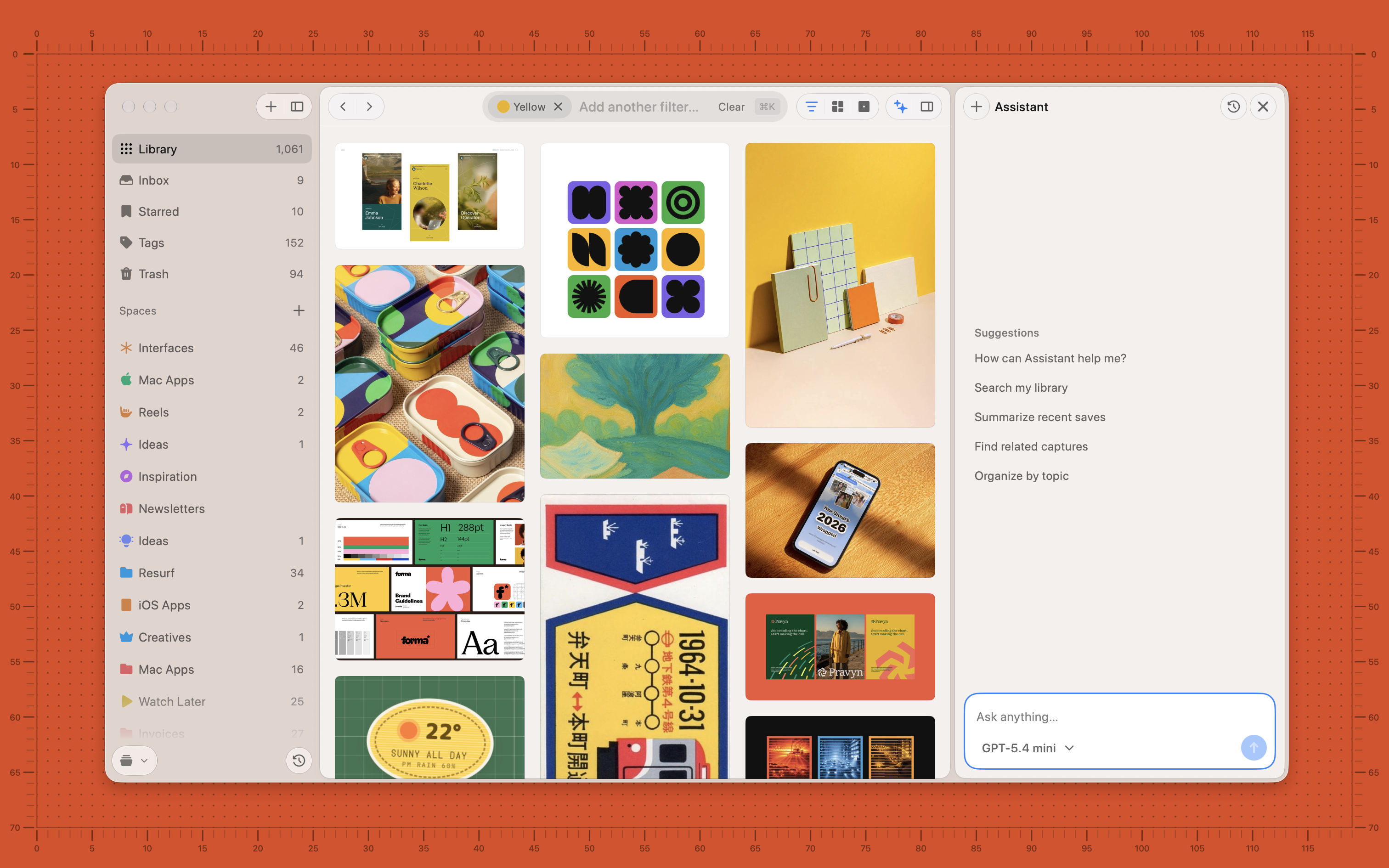
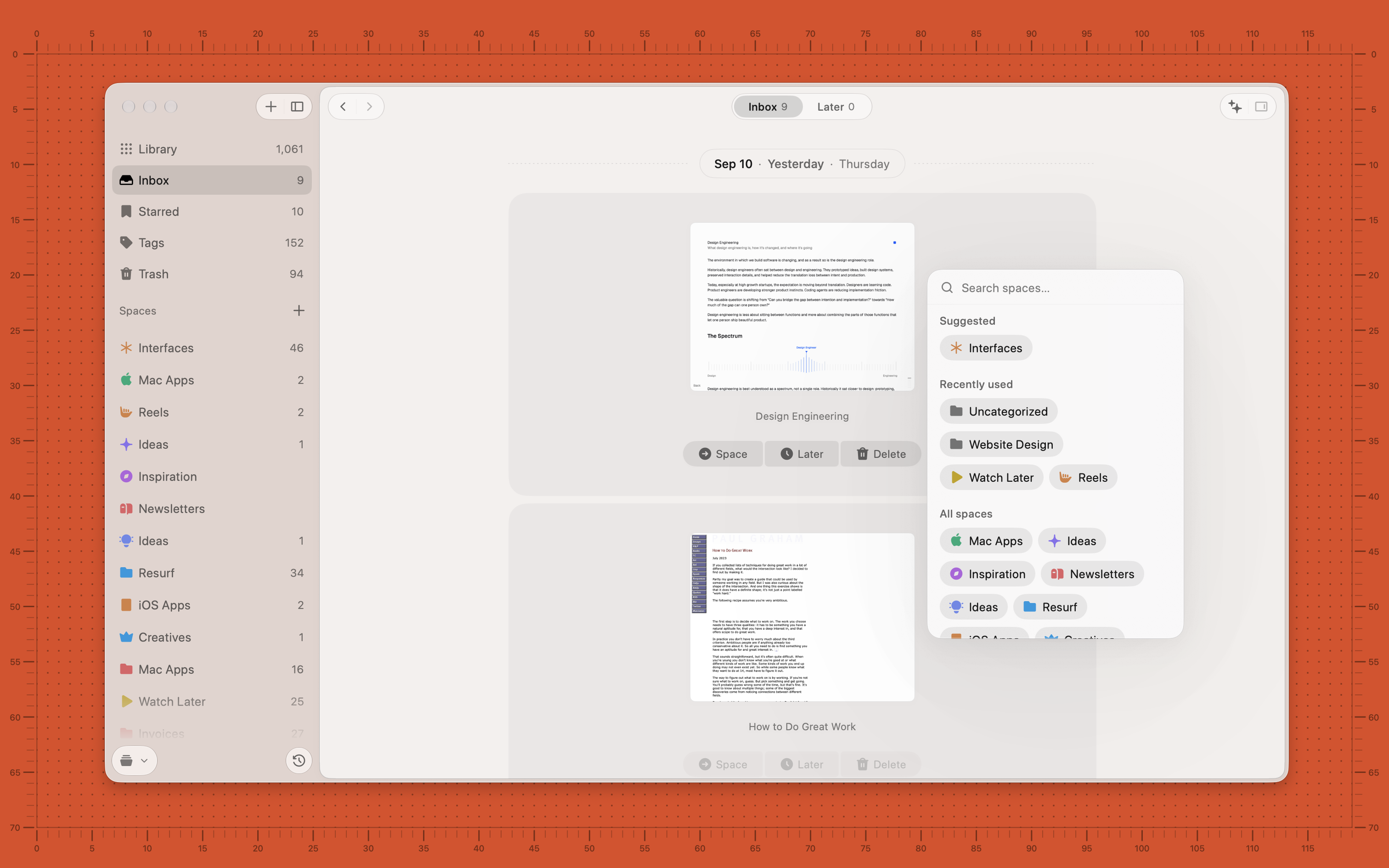
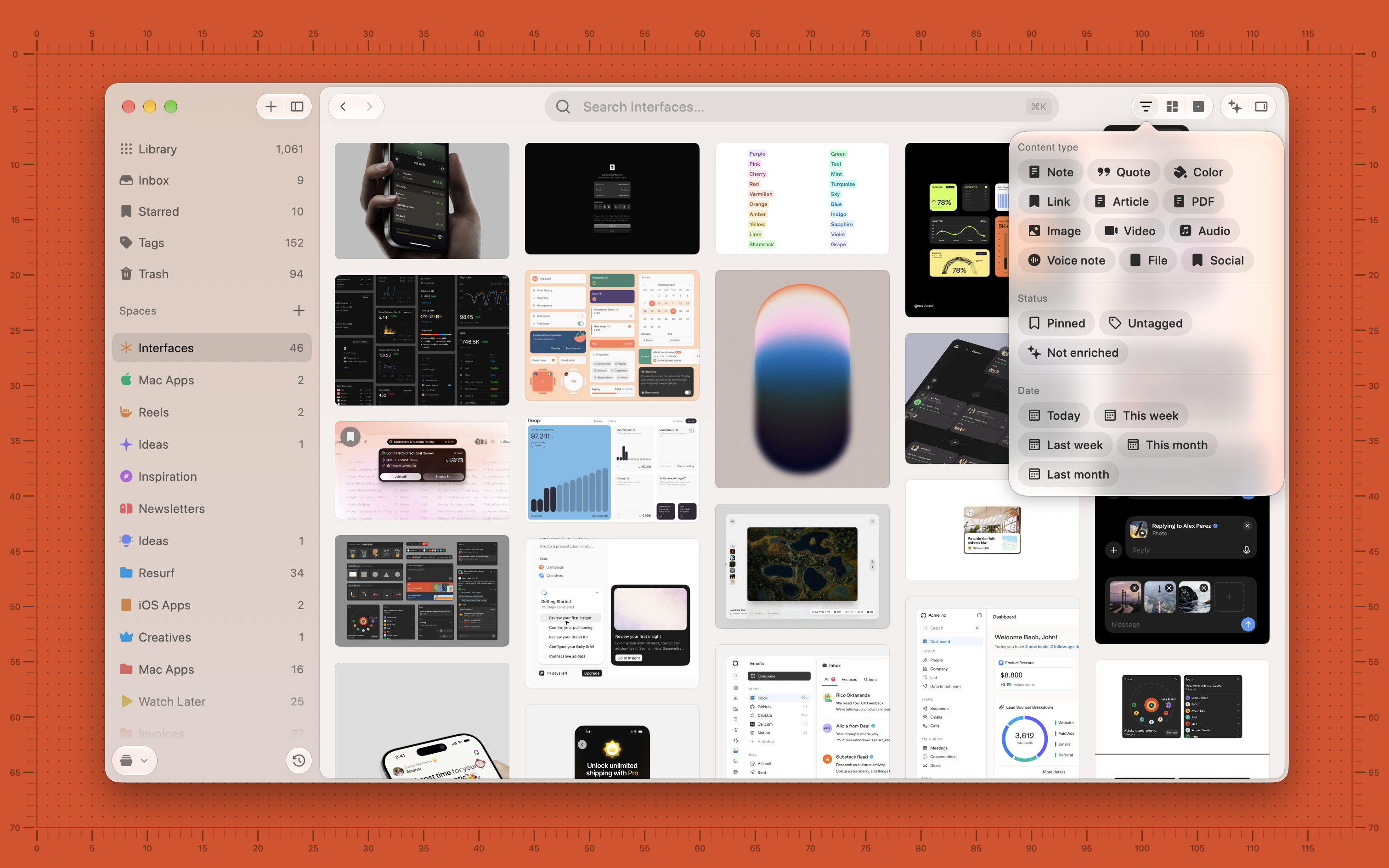
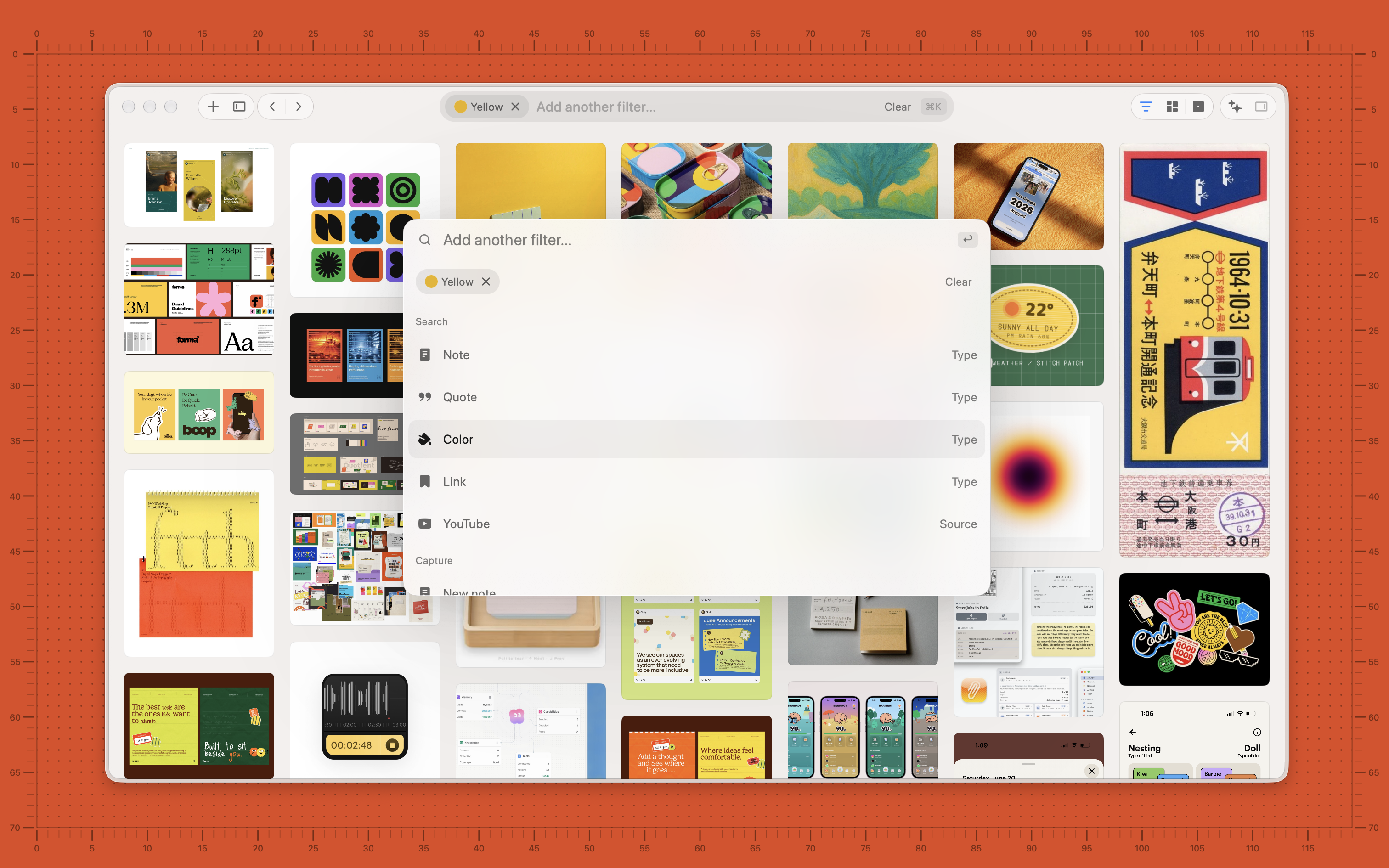
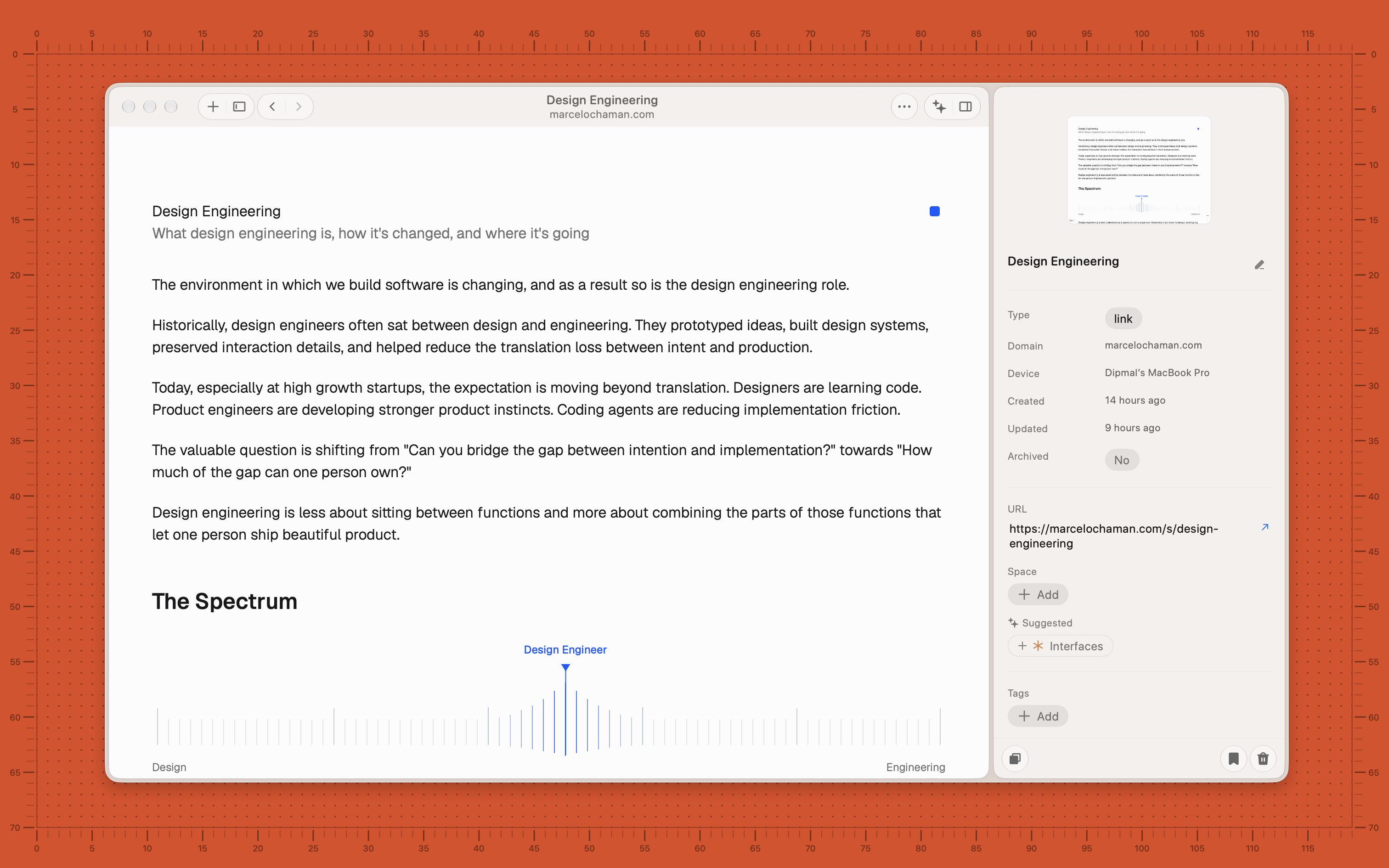
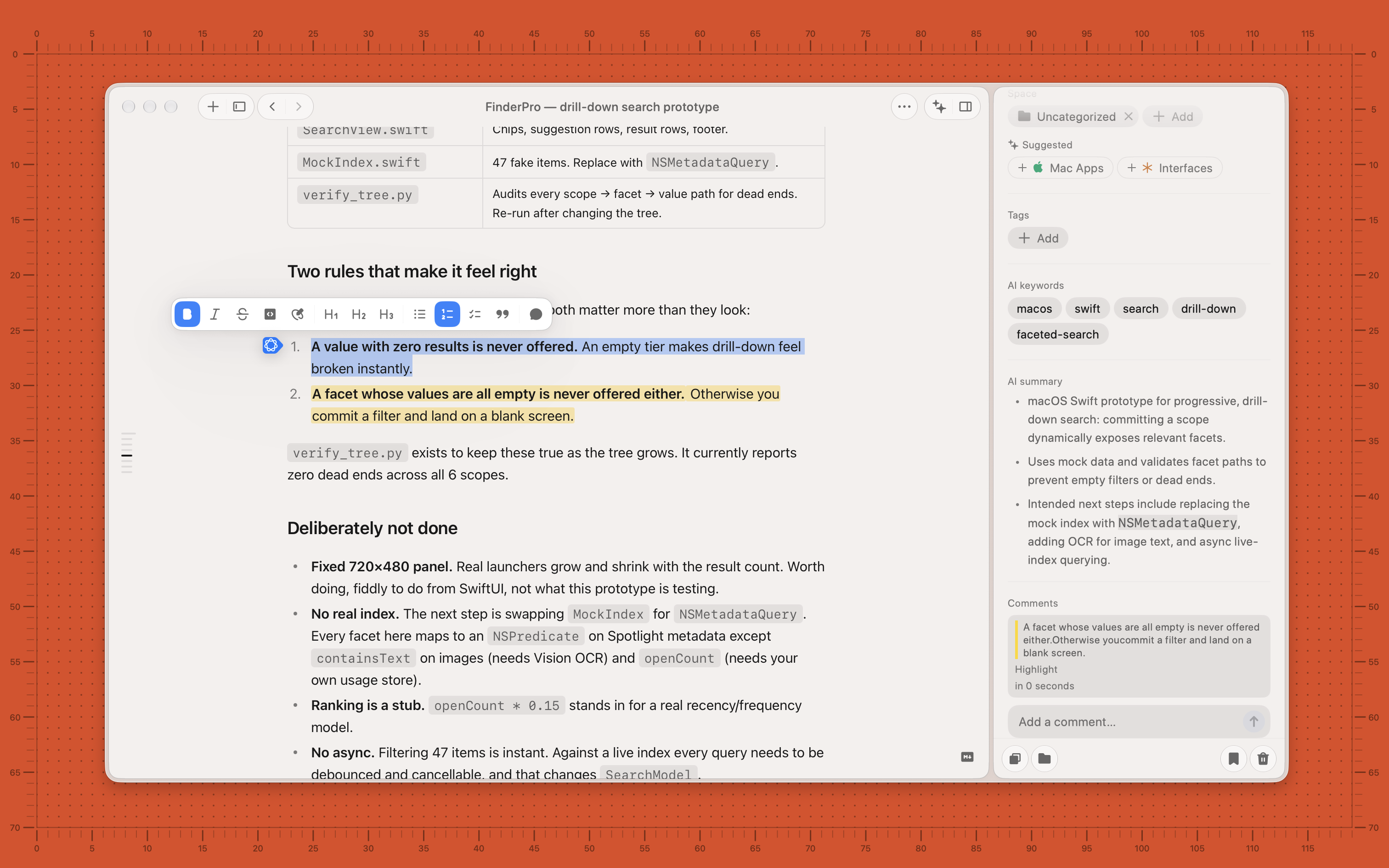
The Mac app, full resolution. Crop freely; please do not alter the interface.

The library filtered by colour, Spaces in the sidebar, and the optional Assistant open beside it.

New saves grouped by day, sorted into a Space, snoozed for later or deleted one at a time.

Narrow a Space by content type, status or date without leaving the grid.

⌘K searches, stacks filters and starts a new capture from the keyboard.

A saved link opens as clean reading text, with its source and metadata in the inspector.

The note editor with formatting, a highlighted passage and the comment it became.

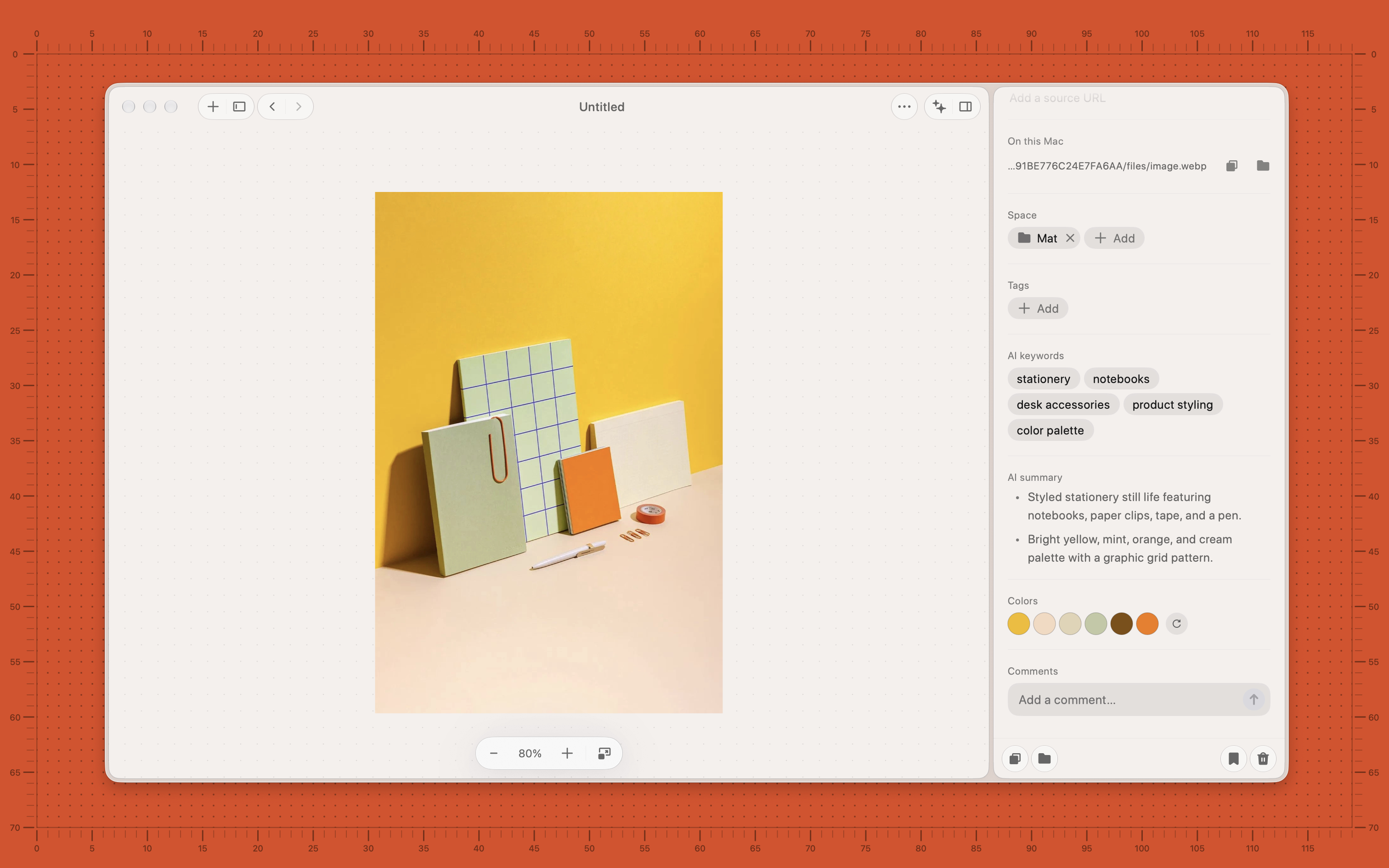
One capture opened full size, with AI keywords, a summary and the extracted colour palette.

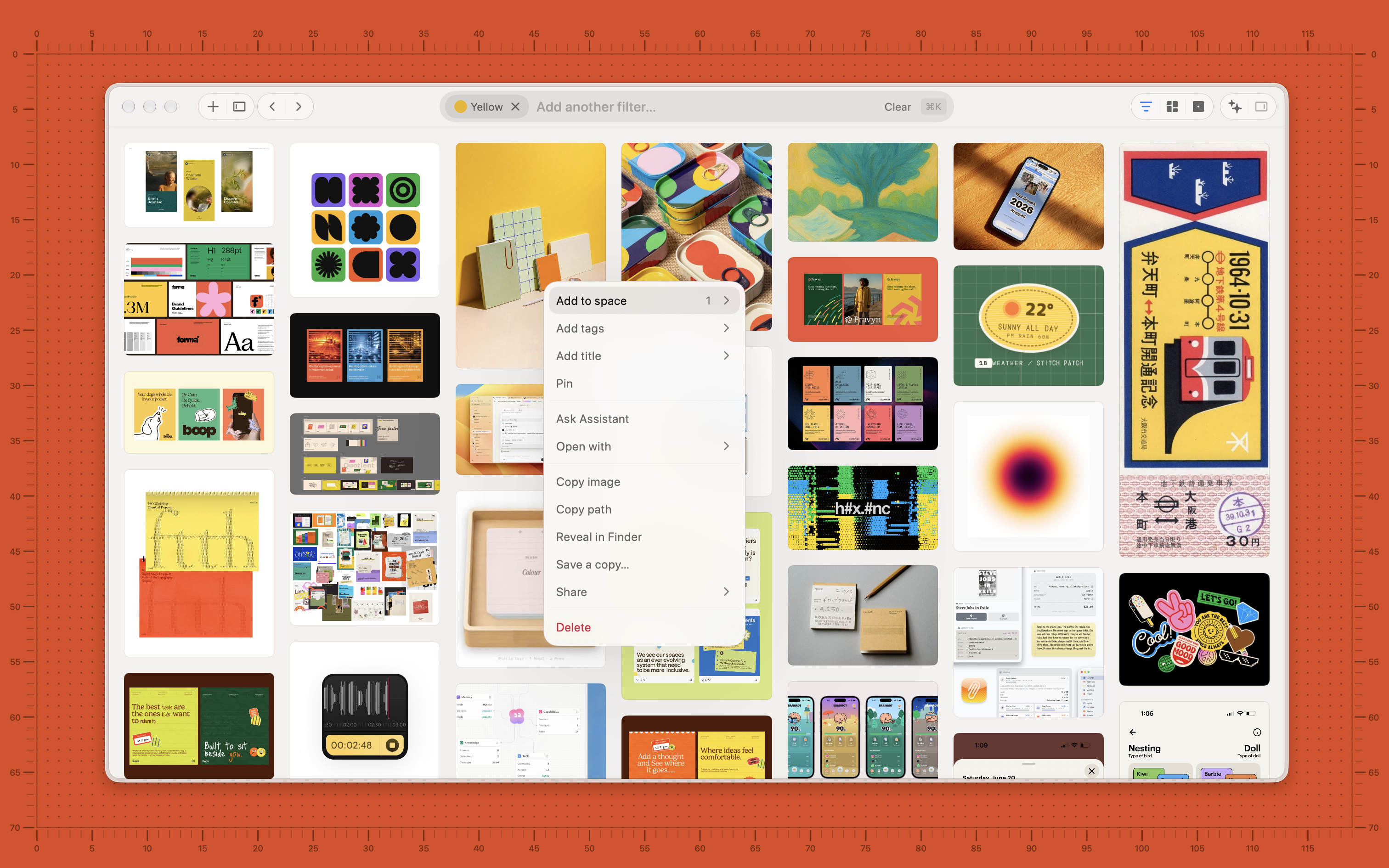
Everything you can do to a capture from its context menu, on the full-width grid.
© 2026 Resurf.