Resurf 2 is out. It's not an update to the old app. It's a different app that happens to have the same name and the same idea. Written from scratch in Swift, running natively on Mac, iPhone and iPad, syncing between them through your own iCloud account.
Here's what changed and why.
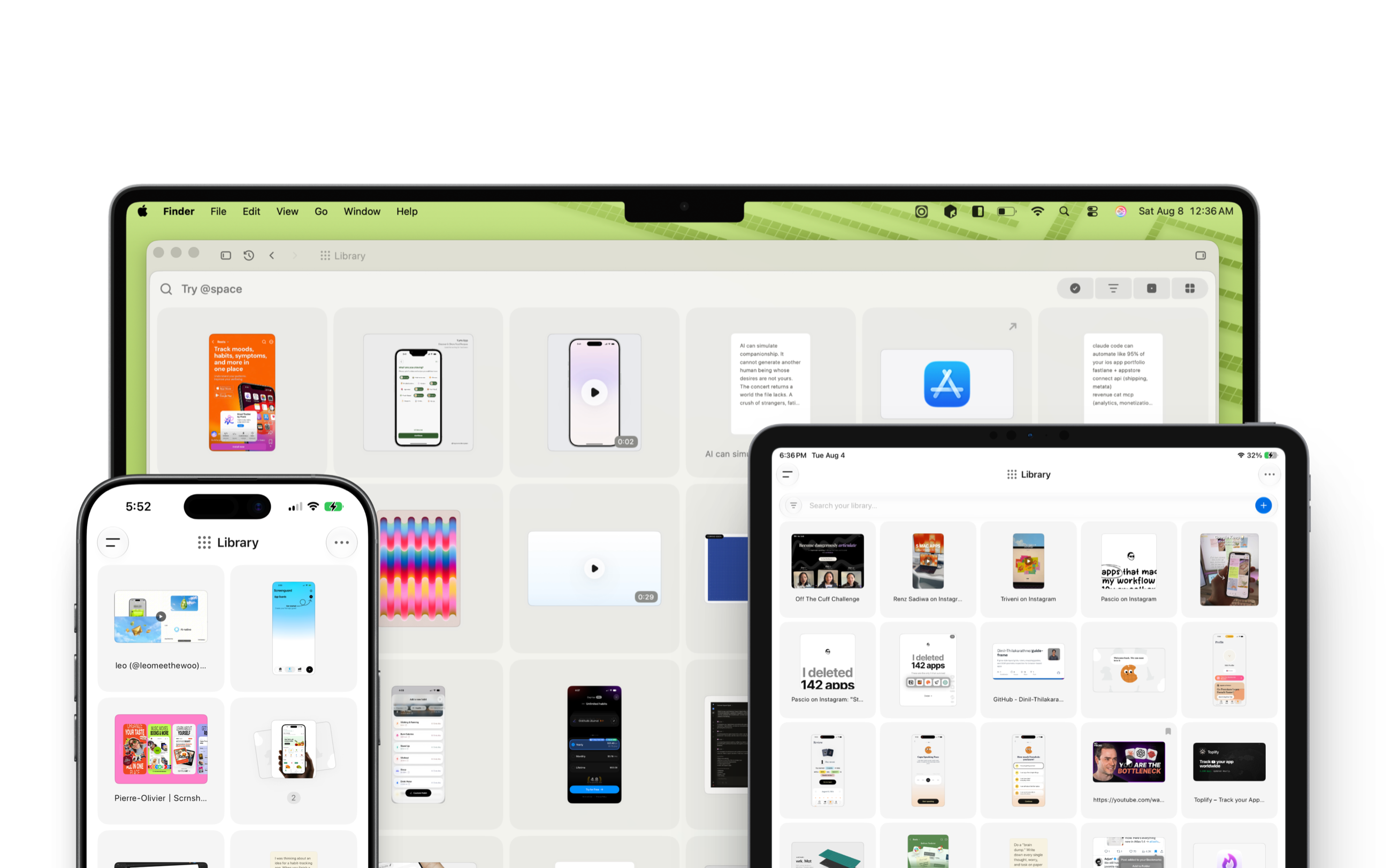
Why rewrite it
Resurf 1 was an Electron app. That got the product out of my head and onto people's machines, which was the only thing that mattered at the time. But it came with a ceiling: a slow cold start, a Dock icon that ate memory sitting still, scrolling that never felt right, and no credible path to a phone app.
For a tool you're supposed to reach for reflexively, the thing you hit before you've finished deciding whether something is worth keeping, that ceiling is the whole problem. Friction at capture time means you don't capture. And a capture tool you don't reach for isn't a capture tool.
So the rewrite wasn't about features. It was about making the app fast enough to be a reflex.
Native, everywhere
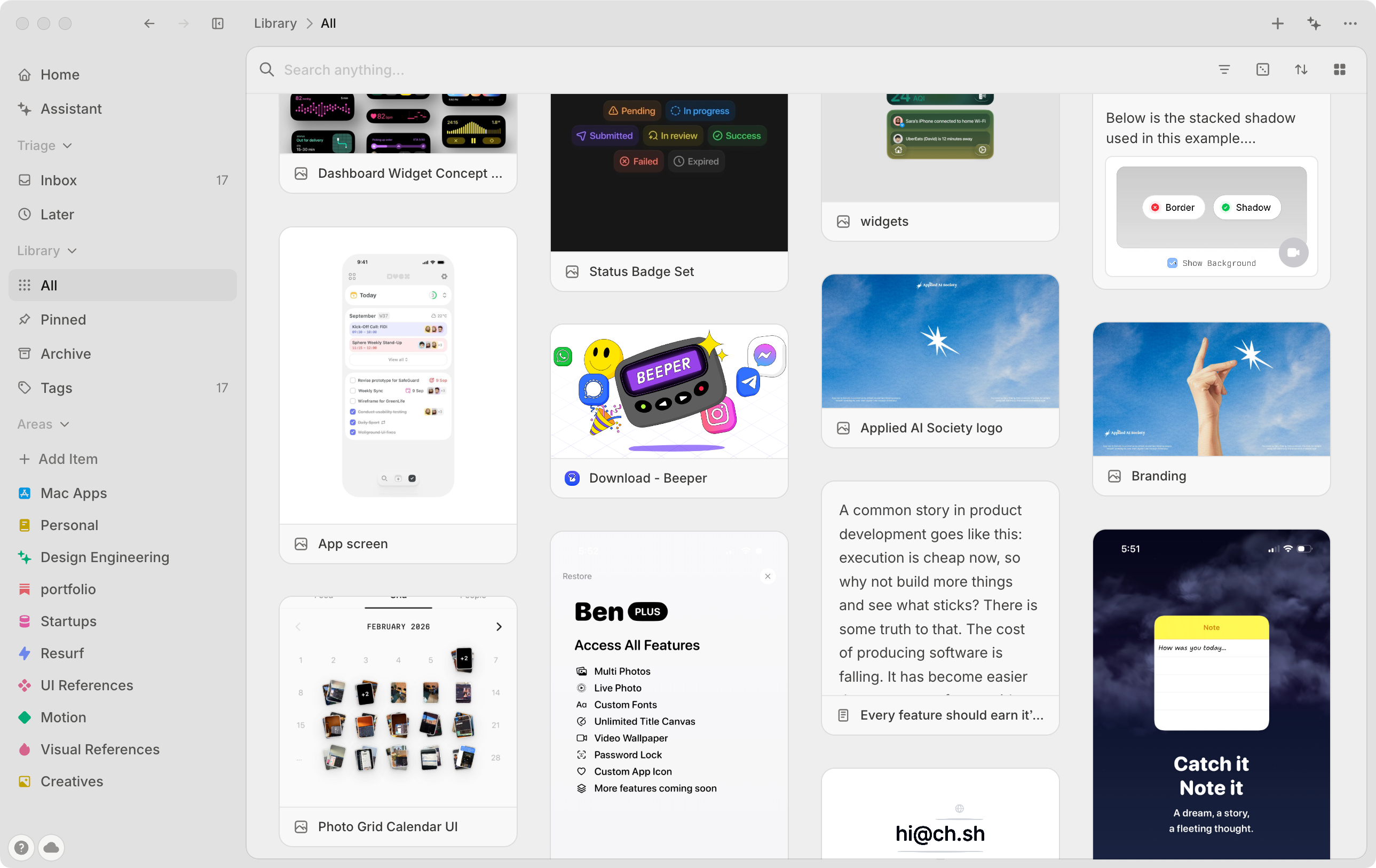
Resurf 2 launches immediately, scrolls at full frame rate, and sits quietly in the background without you noticing it. Search is instant, rebuilt on SQLite full-text search rather than scanning as you type.
The library is a Pinterest-style masonry grid now: full-bleed covers at their natural proportions instead of everything squashed into identical boxes. Videos play their filmstrip when you hover, and moving the cursor across scrubs through them.
Resurf for iPhone and iPad
This is the part that wasn't possible before.
Resurf on iOS is free and unlimited. No licence, no tier, no capture cap, now or later. Capture from any app through the share sheet, record a voice note, take a photo, save a link. It all shows up on your Mac.
It's a real app, not a viewer. Everything you can do to a capture on the Mac, you can do on your phone.
Sync that isn't a server
Your devices sync through your own iCloud account. There's no Resurf account, no login, no server holding your library. I can't see your captures because there's nowhere for me to look.
Everything still lives as plain files on your Mac: markdown notes, original images, original PDFs, in folders you can open in Finder. If Resurf disappeared tomorrow your library would still be sitting there, readable. That hasn't changed and won't.
New ways to capture
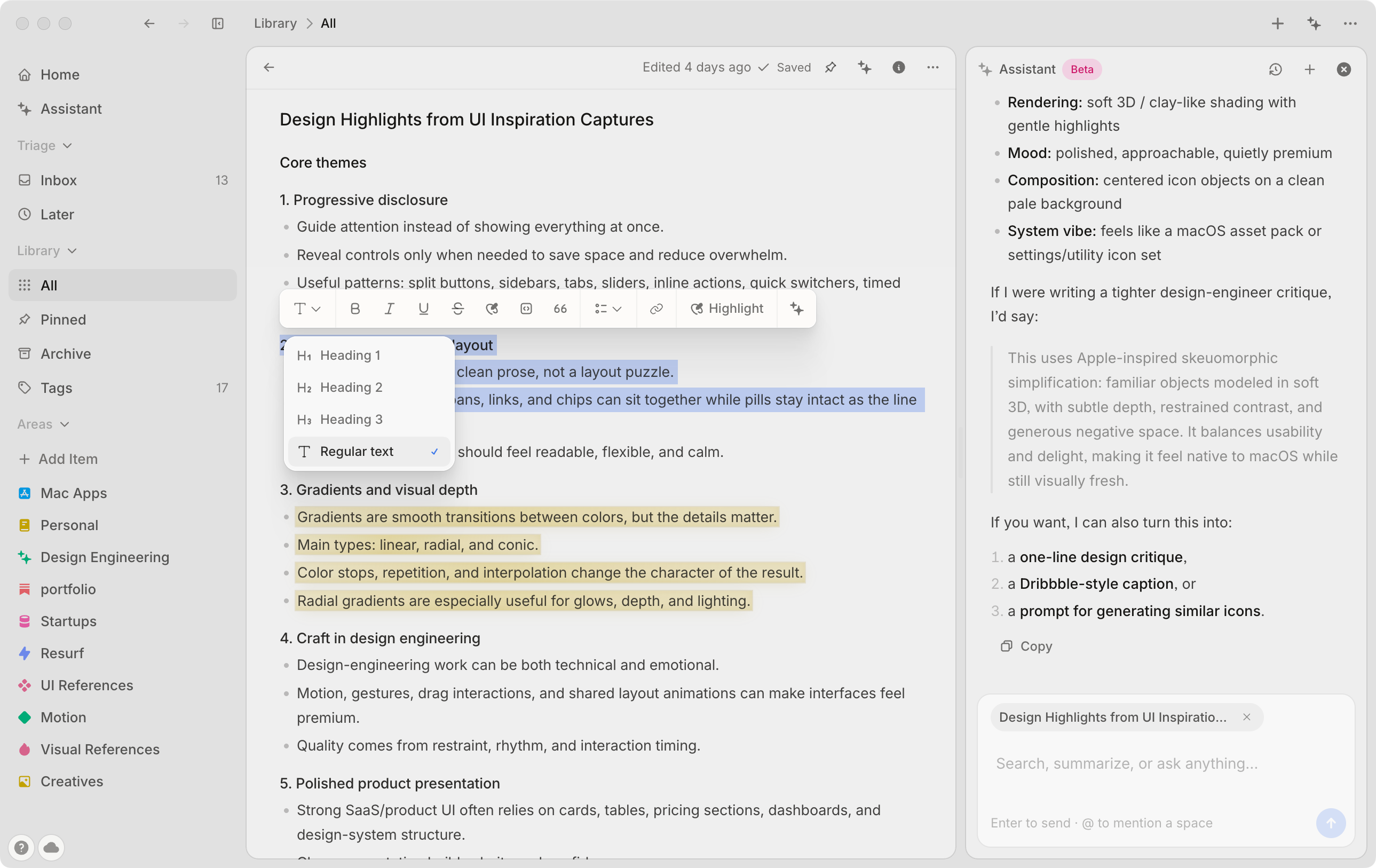
Voice notes, transcribed on device. You talk, it writes it down, cleans it up, and titles it. Nothing is sent anywhere to make that happen.
Quotes, for a line worth keeping, with its attribution, without wrapping a whole note around it.
Highlights and comments that stay attached to the thing they're about, whether that's a PDF, a page you saved, or your own note.
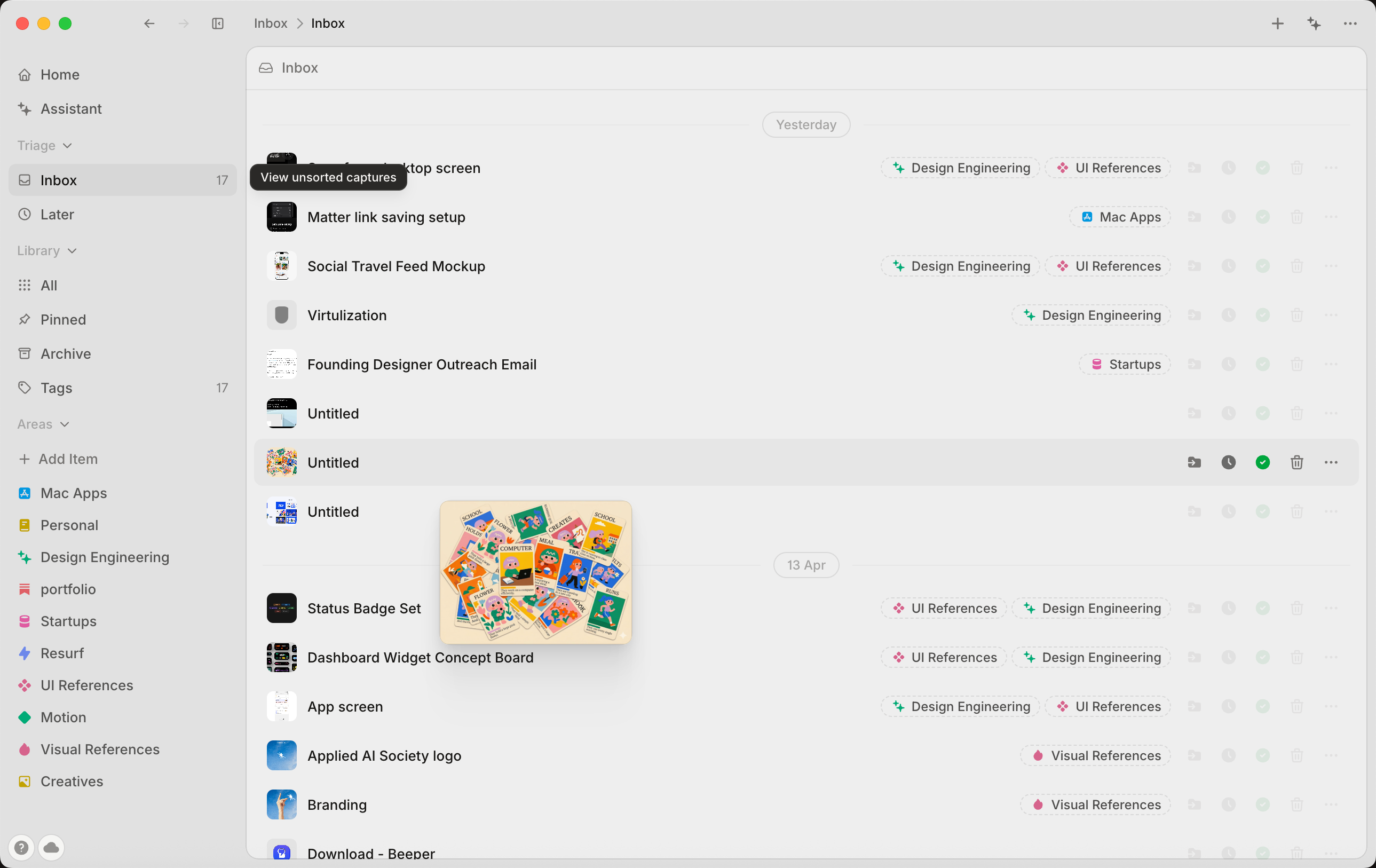
Stacks group a handful of related captures together without naming anything or filing anything. A stack is a light gesture, not a commitment. Spaces are still there when you want the heavier structure.
Asking your library
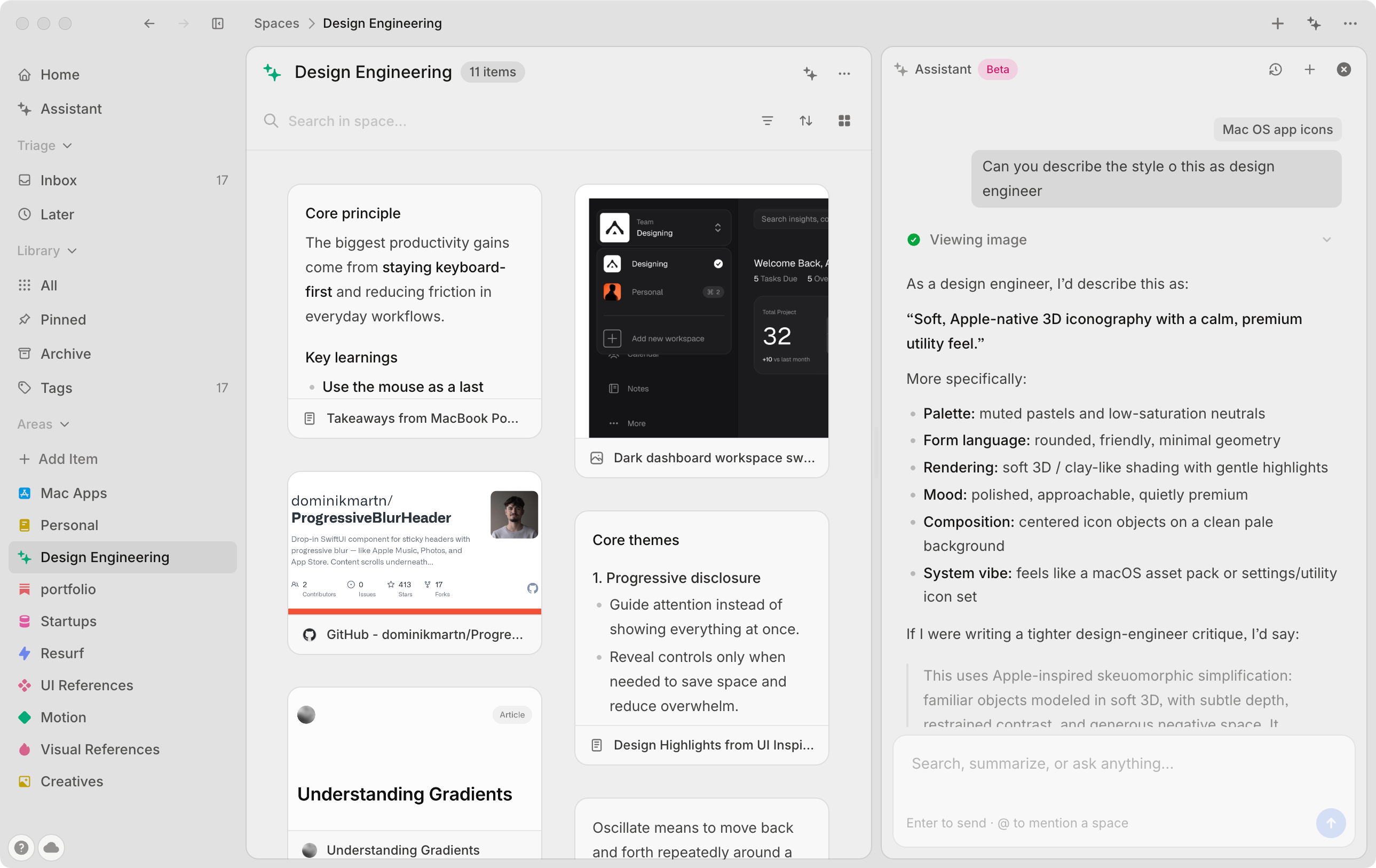
Resurf 2 has an AI pane that docks to the side of your window rather than taking it over. Ask it something and it answers from your own captures, pulling in the relevant ones, including the contents of files you saved.
It runs on your own OpenAI key. You see exactly what it costs, and I'm not in the middle of it.
One provider, on purpose. Resurf's AI features lean on tool calls, vision, and transcription, and OpenAI's models handle all three reliably. Resurf 1 supported a whole menu of providers, and it taught me an honest lesson: some models have no vision, some can't transcribe, some fumble tool calls. Every gap surfaced as a feature that mysteriously didn't work. One model that does everything beats five that each do most of it. Other providers will come back gradually, once each one clears the same bar.
This is the direction the app is heading, honestly. Most of us are good at collecting and bad at coming back. Search only helps when you already remember something exists. The interesting problem is the app surfacing the thing you'd forgotten, and that's what I'm building next.
Pricing
The Mac app is free for up to 50 captures and 4 spaces. That's a real free tier, not a countdown. If that's all you need, you never pay.
Past that: $49 for two years of updates, or $99 for lifetime updates. One-time, no subscription. Your licence keeps working forever either way.
iPhone and iPad are free and unlimited, and will stay that way.
Coming from Resurf 1
Your library comes with you. Resurf 2 finds your old vault on its own and imports every capture, space, tag, note and file. It reads the old vault without ever modifying it, so there's no point of no return.
Full walkthrough here: How to move your library from Resurf 1 to Resurf 2.
Resurf 1 won't update itself into Resurf 2: different app, different updater. You'll need to download it.
What's next
The coming weeks are all about polish: fixing the bugs you report and shipping the quality-of-life improvements you submit. Most of what made Resurf 1 better came straight from user messages, and Resurf 2 will work the same way: tell me what's rough, and watch it get fixed.
Found a bug?
Resurf 2 is a brand-new codebase, and some bugs only show up in the wild, on libraries, Macs, and workflows unlike mine. If something misbehaves, report it or email support@resurf.so. Reports land directly with me, and fixes ship fast.
Thank you
Resurf 1 grew almost entirely through word of mouth: people sharing it, writing about it, and recommending it to each other. It's a strange and genuinely lovely way for a product to grow. Nearly everything in this release started as someone's message telling me what was annoying them.
Keep doing that. Feedback goes straight to me.